
Shared ConfigMaps (K8s Config)
Create Kubernetes ConfigMaps with the K8s Config Component and mount the same config files into one or more of your applications.
Several of your applications need the same configuration file, or one
application needs a config block too large to sit comfortably inside its own
values. The K8s Config Component type creates Kubernetes ConfigMaps that any
of your applications can mount as files.
When to use this
Use a K8s Config Component when the content is a file — a config file, a shell
script, a certificate bundle — that one or more applications read from disk,
and especially when more than one application needs the same copy. For single
values reused across Components, use
Variables and Shared Config instead. For anything
sensitive, use Secrets Manager — a ConfigMap is not a secret
store.
Creating a shared ConfigMap
Provision a K8s Config Component with your configuration data:
configMaps:
  app-config:
    # Optionally copy the ConfigMap into additional namespaces:
    # namespaces:
    #   - ns1
    #   - ns2
    data:
      key1: value1
      key2: value2
      hello-world.sh: |
        #!/bin/sh
echo "Hello world"| Key | Required | Description |
|---|---|---|
configMaps.<name> | Yes | Each entry defines one ConfigMap |
<name>.data | Yes | Key/value pairs. Values can be plain strings or multiline content such as scripts and config files |
<name>.namespaces | No | Additional namespaces to copy the ConfigMap into |
Mounting it in an application
In your application Component — the generic application types — reference the
ConfigMap under app.volumes:
app:
  volumes:
    configMaps:
      app-config:
        mountPath: /app/config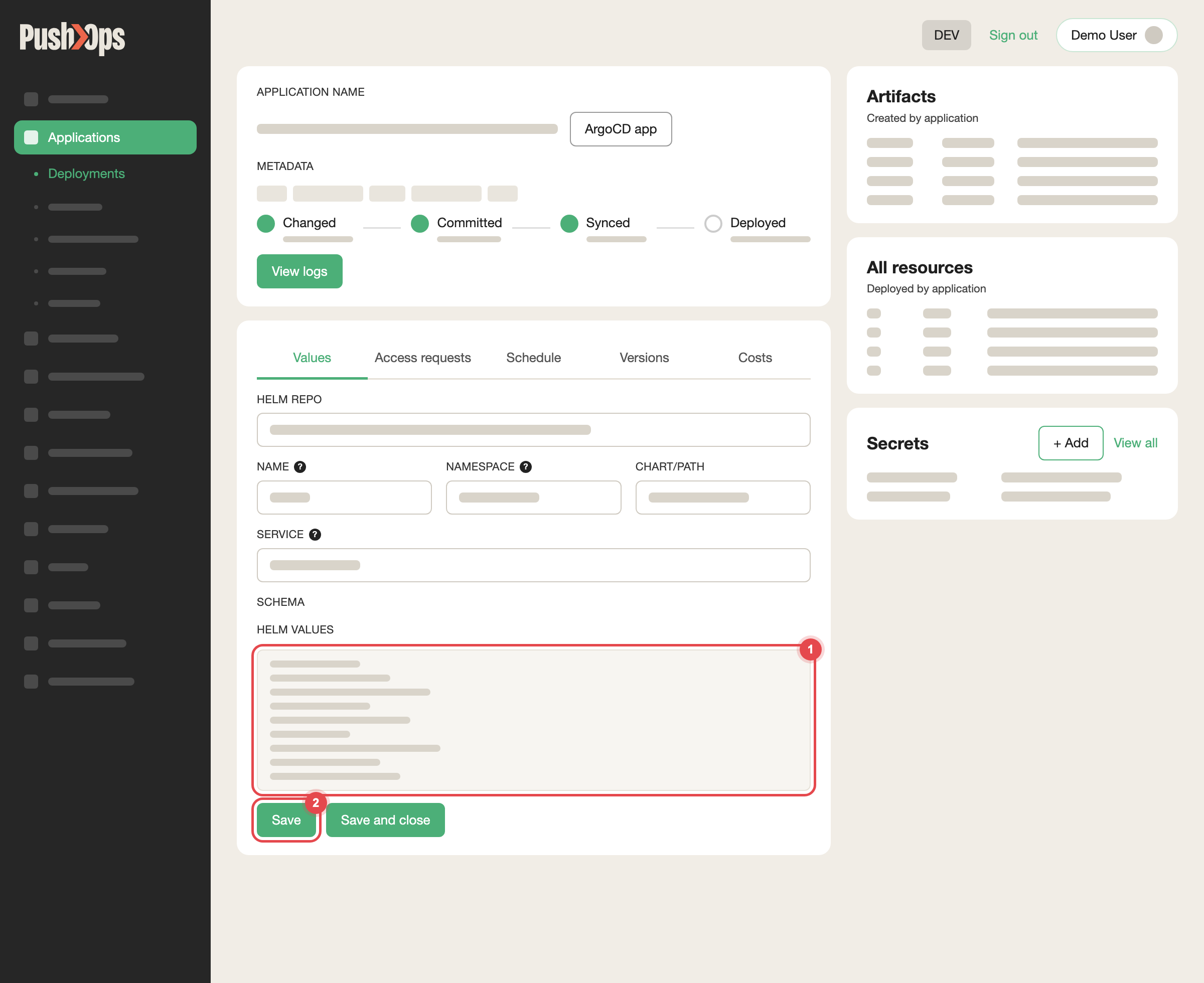
Edit HELM VALUES on the Values tab, then click Save
Add subPath: <key> to mount a single key as a single file instead of the
whole ConfigMap as a directory. A subPath mount does not pick up later
changes to the ConfigMap; restart the application after changing it.
This is the original application chart. On the v2 chart (a chart name ending in
-v2), mounting a ConfigMap is set up differently — raise a request if you
need it there.
There is no data key here. You are mounting the ConfigMap you already
created, not defining a new one inline.
Each key in the ConfigMap's data appears as a file under the mount path — for
example /app/config/hello-world.sh.
Related articles
- Variables and Shared Config — for templating single values across Components
- Secrets Manager — for credentials and other sensitive values
Updated about 1 month ago