
Ingress, Custom Domains and TLS
Serve your application on your own domain over HTTPS by setting the hostname in SVIEW and pointing DNS at the platform, with certificates issued for you.
You want your application reachable from the internet on your own domain, over
HTTPS. You configure the hostname on the Component in SVIEW, point your DNS at
the platform load balancer, and the platform issues and renews the TLS
certificate for you.
Before you start
- You can edit the application Component's configuration in SVIEW.
- You control the DNS zone for the domain you want to use.
- You know the load balancer address for the Environment. It is shown in the
SVIEW Environment view — raise a request in your support channel if you
cannot find it.
How it works
- You set the hostname and routing rules in the Component's configuration in
SVIEW. - The platform creates the routing rule and sends matching traffic to your
application. - The platform requests a TLS certificate for that hostname and renews it
automatically before expiry. - You point your DNS record at the platform load balancer.
Who manages which part is summarised in
What CTO2B manages, and what you manage.
Configure the hostname in SVIEW
- Go to Applications → Deployments and open the application Component.
- In its Helm values, add the ingress for your hostname. The shape depends on
which application chart the Component uses — a chart name ending in-v2in
the Component's chart path is the v2 chart; see
Deploy Without Downtime or Killing Running Work
for where to look.
ingress:
  enabled: true
  annotations:
    cert-manager.io/cluster-issuer: cto2b
    kubernetes.io/ingress.class: traefik
    traefik.ingress.kubernetes.io/router.entrypoints: websecure
    traefik.ingress.kubernetes.io/router.tls: 'true'
  hosts:
    - host: myapp.yourdomain.com
      paths:
        - path: /
          pathType: ImplementationSpecific
  tls:
    - hosts:
        - myapp.yourdomain.com
      secretName: myapp-tls
Keep the annotations as shown: the cert-manager.io/cluster-issuer
annotation is what makes the platform issue the certificate into
secretName.
ingresses:
  main:
    hostname: myapp.yourdomain.com
    ingressClassName: traefik
    portName: http
    additionalAnnotations:
      cert-manager.io/cluster-issuer: cto2b
    paths:
      - /
Each entry under ingresses is one hostname; add another entry, such as
api:, for a second hostname.
-
Click Save.
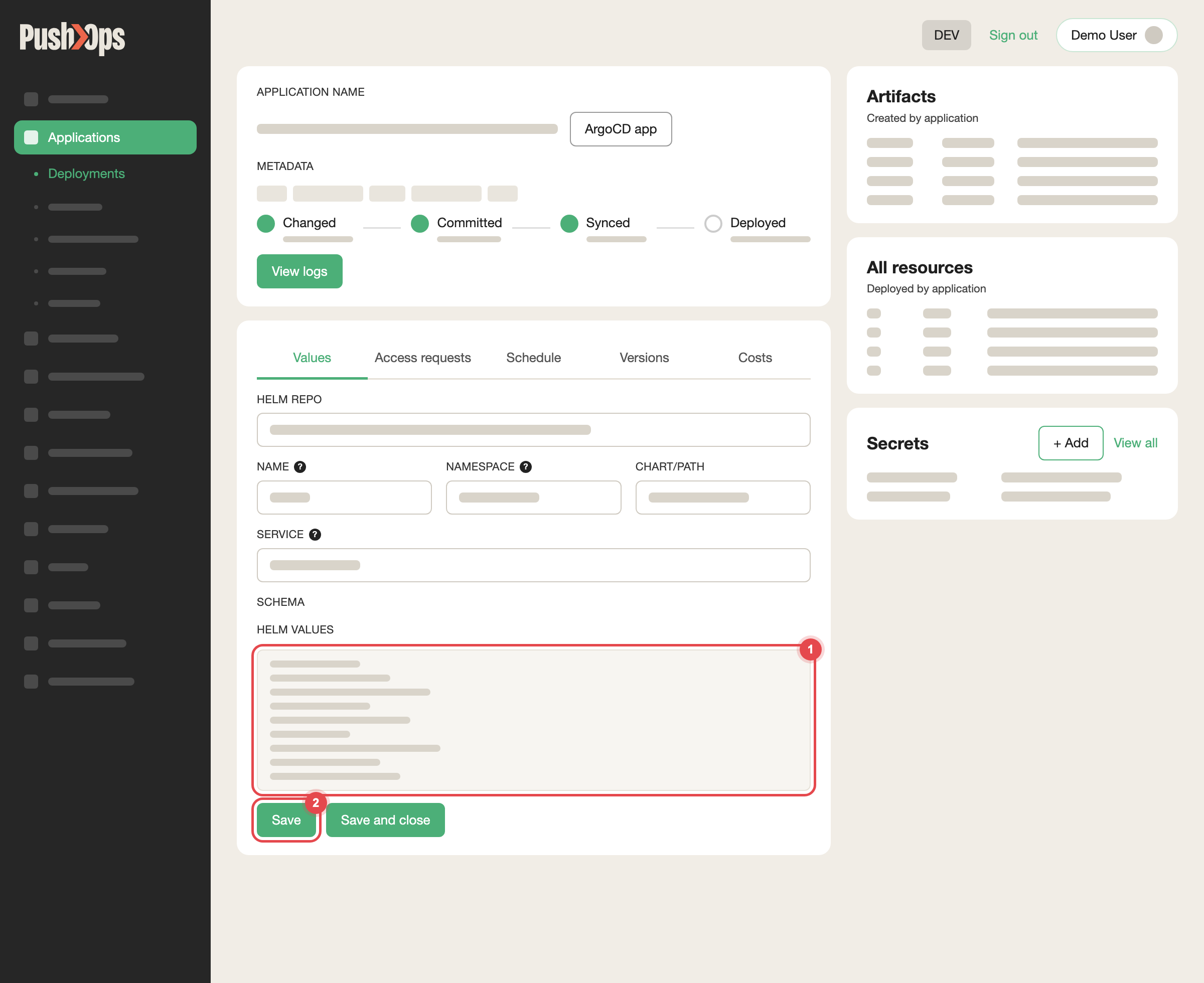
Edit HELM VALUES on the Values tab, then click Save
The routing rule is created immediately. Certificate issuance typically
completes within 1 to 2 minutes once the hostname resolves publicly.
Point your DNS at the platform
- Take the load balancer address from the SVIEW Environment view.
- In your DNS provider, create the record:
- CNAME for a subdomain (for example
myapp), with the load balancer
hostname as the value. - A record for an apex domain, with the load balancer address as the
value.
- CNAME for a subdomain (for example
- Wait for propagation, which usually takes a few minutes.
Once the record resolves, your application is reachable over HTTPS.
Verify it worked
- The Component shows a healthy status in SVIEW.
- Your hostname resolves to the load balancer address.
- The site loads over
https://with no certificate warning.
TLS certificates
Certificates are issued and renewed automatically for every hostname you
configure in an ingress block — the platform's cert-manager requests them
from Let's Encrypt and renews them before they expire. There is nothing to
upload, install, or rotate, and no action is needed from your team at renewal
time.
If the browser shows a certificate warning, or no certificate appears, see
Ingress Troubleshooting.
The one requirement is public DNS resolution: the hostname must resolve to
the platform load balancer before a certificate can be issued. If you configure
the hostname first, issuance is retried automatically once the DNS record
exists.
If your domain is internal only and never resolves publicly, raise a request so
the team can discuss the alternatives with you.
Wildcard certificates
A wildcard certificate such as *.yourdomain.com is validated differently: it
requires a DNS-based challenge, which means the platform needs access to your
DNS provider's API. Raise a request if you need one, and the team will go
through the configuration options with you.
CloudFlare traffic shielding
You can restrict the load balancer so that it only accepts traffic that arrived
through CloudFlare, and rejects requests made directly to the load balancer
address. This makes sure every request passes through CloudFlare's DDoS
protection and WAF. It is available on both AWS and GCP.
Before requesting it:
- CloudFlare Proxy (the orange cloud) must already be active on the domain.
Shielding only works if traffic genuinely passes through CloudFlare. - Review any integration, monitoring agent, or API consumer that calls your
endpoints directly rather than through your public domain. Those calls will
be blocked once shielding is on.
To enable it, raise a request. CTO2B reviews your current ingress traffic
before applying the restriction.
What CTO2B manages, and what you manage
| CTO2B manages | You manage |
|---|---|
| The ingress controller and load balancer | Your DNS records |
| Certificate issuance and automatic renewal | The hostname and routing configuration on the Component |
Related articles
Updated about 1 month ago